

Switch theme
Reports
On the Reports screen you create the main reports and sales reports directly at the register — for example a current balance report when handing over the shift, or a daily report at the end of the day. A report is created for the cash register you are working on, so reports can be created only on a device registered as a cash register.
More detailed reports for longer periods, with export to Excel, are created in Administration (see Receipts and Reports).
Availability
The Reports item is available to employees whose user group has the Allow cash register management permission.
Creating a report
- Open Reports and click a report.
- Choose the Period: Shift, Today, Yesterday or By date (then enter the Start date and End date). Only the periods that apply to the chosen report can be selected. Some reports also ask for additional data — for example a buyer or items.
- Click CONFIRM. The report is shown on the screen.
- Click PRINT to print it.
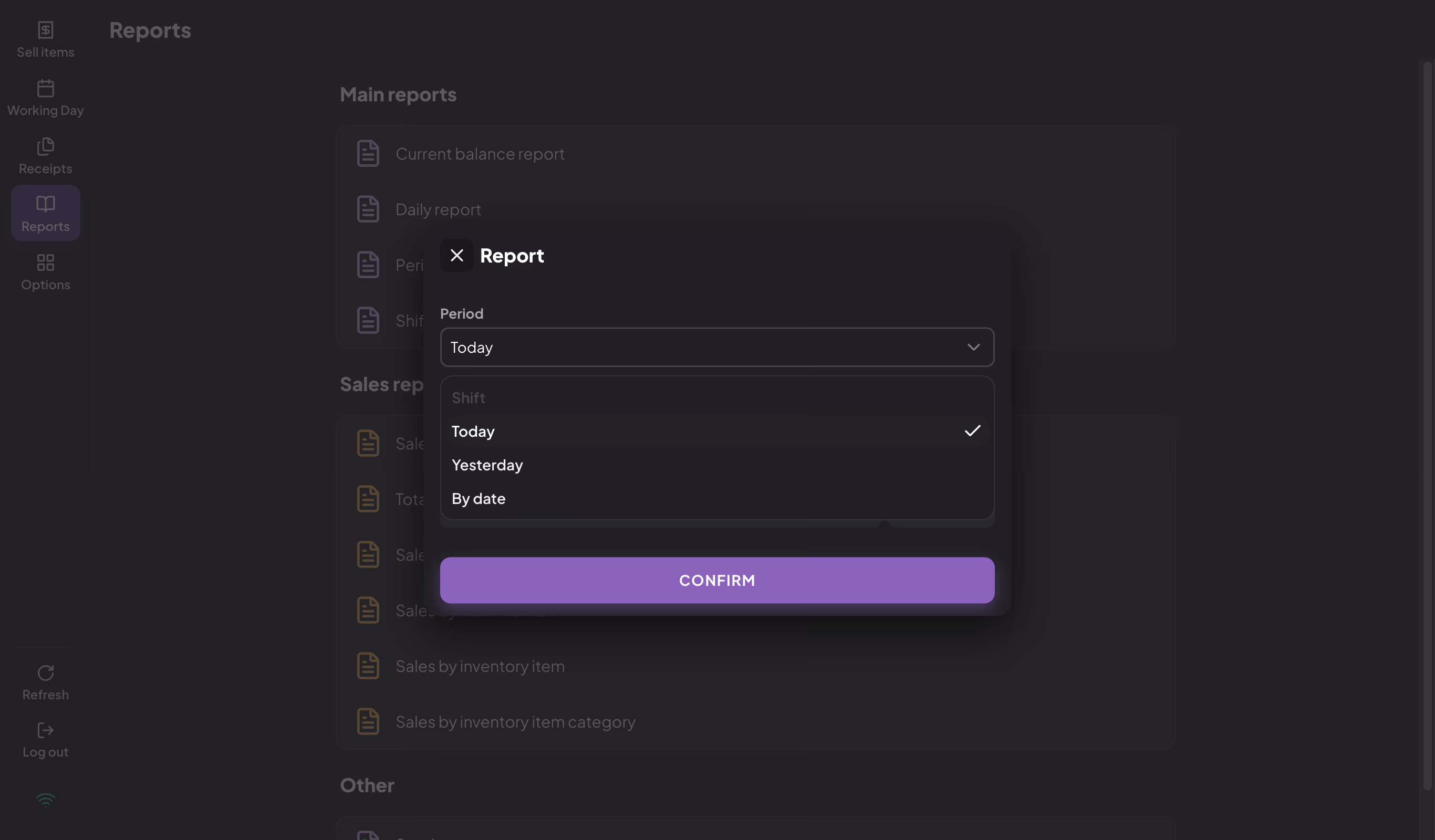
Choosing the report period
The Periodic report and Total sales can also be created for a whole year: choose By date and the year in the Yearly report for the year field (the three previous years are offered; the field is shown only when you are online).
Print, PDF and email
The PRINT button prints the report on the receipt printer. On a computer and on an iPhone or iPad, the app first asks whether to print on the receipt printer — on a computer, NO opens the printer selection. Without a receipt printer, a computer opens the printer selection (the web app opens the browser's print window), while a phone or tablet does not print the report.
The ⋮ menu also offers:
- Save as PDF — the report is saved as a PDF file;
- Send by email — the report is sent as a PDF; the suggested address is the one you used last on this device, or the account's email address.
Both actions require an internet connection.
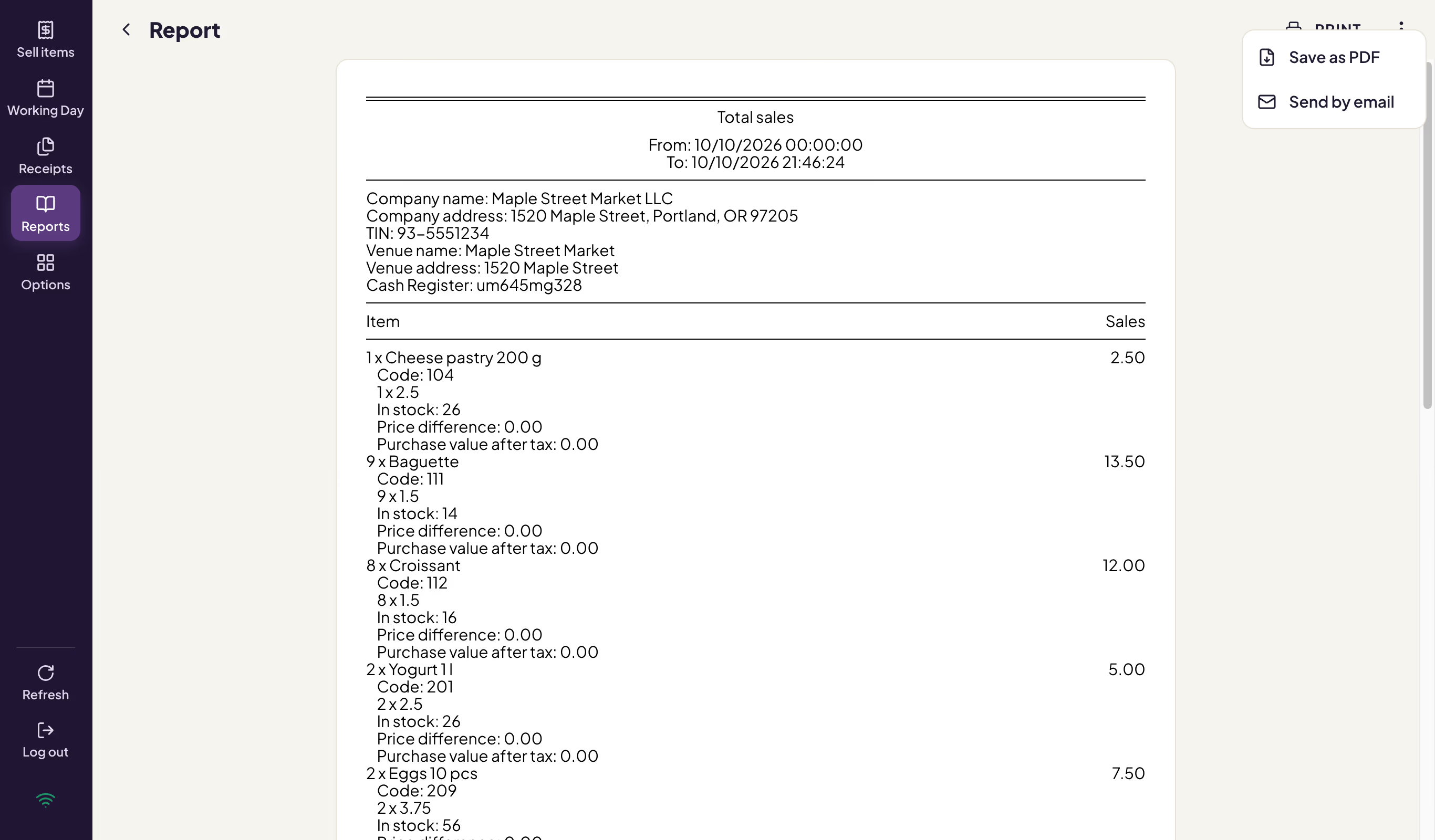
Report with the PDF and email options
Main reports
| Report | What it shows | When to use it |
|---|---|---|
| Current balance report | Sales from the start of the day until now. | When handing over the register, or when you check the state during the day. |
| Daily report | Sales for one day. | At the end of the working day. |
| Periodic report | Sales for the chosen period. | For a monthly or yearly overview. |
| Shift report | Sales of the open shift. | Before closing the shift; available while the shift is open. |
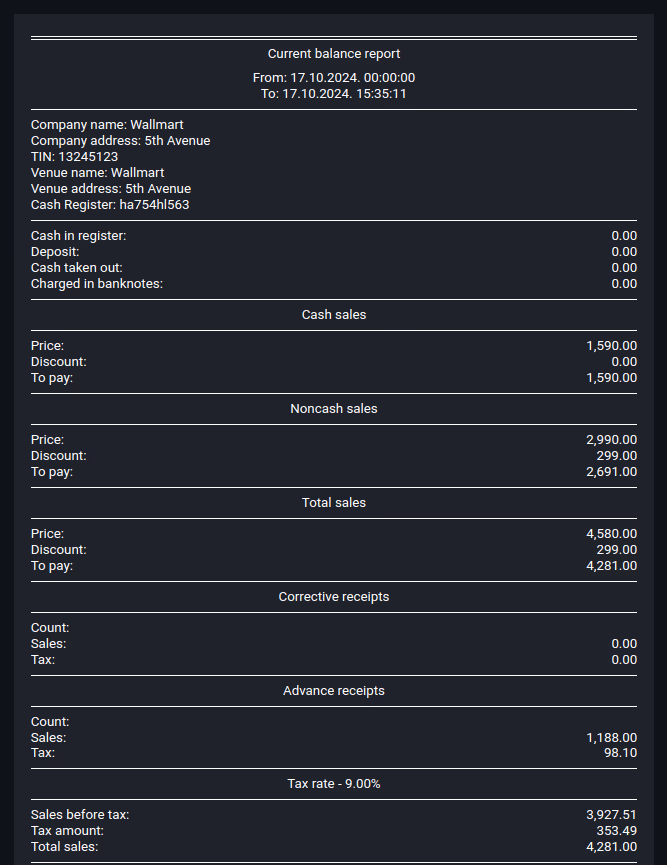
Current balance report
Sales reports
| Report | What it shows | Additional data |
|---|---|---|
| Sales in current shift by staff member | Sales and cash of each employee in the current shift — for checking the cash when clearing debts. Available while the shift is open. | — |
| Total sales | Sales of all items in the period, with the total, discount and amount to pay. | — |
| Sales by buyer | Sales to the chosen buyer. | Buyer |
| Sales by staff member | Sales by employee. | — |
| Sales by inventory item | Sales of the chosen items. | Items |
| Sales by inventory item category | Sales by category. | — |
| Sales by inventory item type | Sales of food, drinks and other. | — |
| Sales and taxes summary by inventory item type | Sales and tax by item type. | — |
| Sales by sector | Sales by the venue's sectors. | — |
| Sales by table | Sales for the chosen table. | Table |
| Sales by inventory item type (sent to room) | Orders charged to a hotel room. | — |
| Ingredients sales | Consumption of ingredients from the recipes. | — |
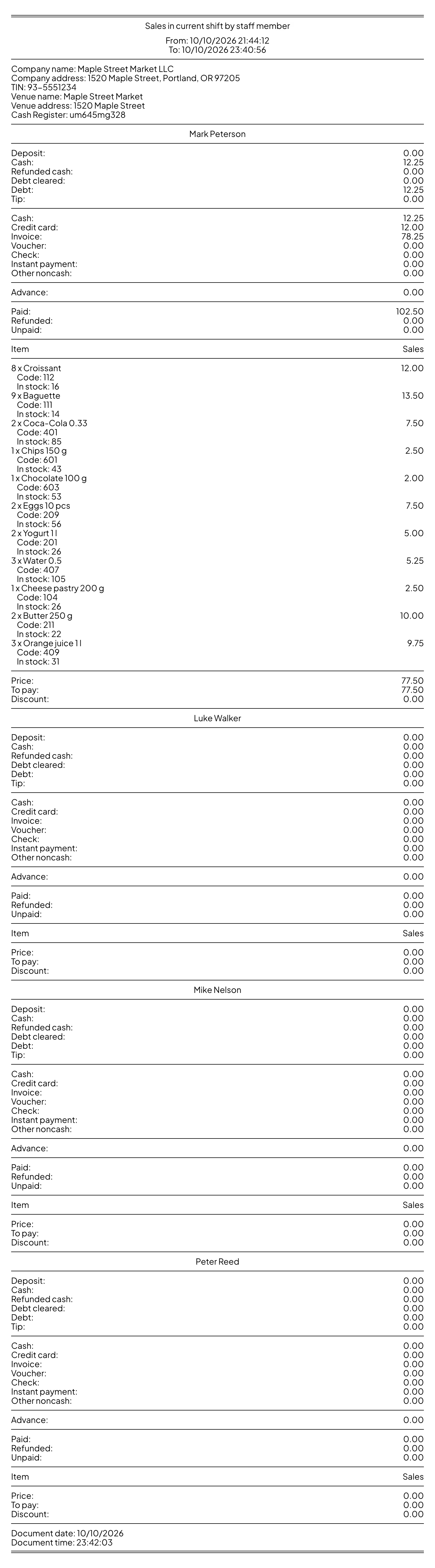
Sales in current shift by staff member
Availability
- Sales by inventory item type, Sales by inventory item type (sent to room), Sales and taxes summary by inventory item type, Sales by sector, Sales by table and Ingredients sales are available in hospitality.
- Sales by staff member, Sales by inventory item, Sales by sector, Sales by table and Ingredients sales require an internet connection.
- Ingredients sales requires the ingredients module, and Sales by inventory item type (sent to room) requires an integration with a hotel system.
Other reports
The Other group contains:
| Report | What it shows |
|---|---|
| Stock | The current stock of items, by category. There is no period to choose — just click CONFIRM. |
| Sales at the bar | A daily record of food and drink sales for consumption on the premises (hospitality); you choose the item type. |
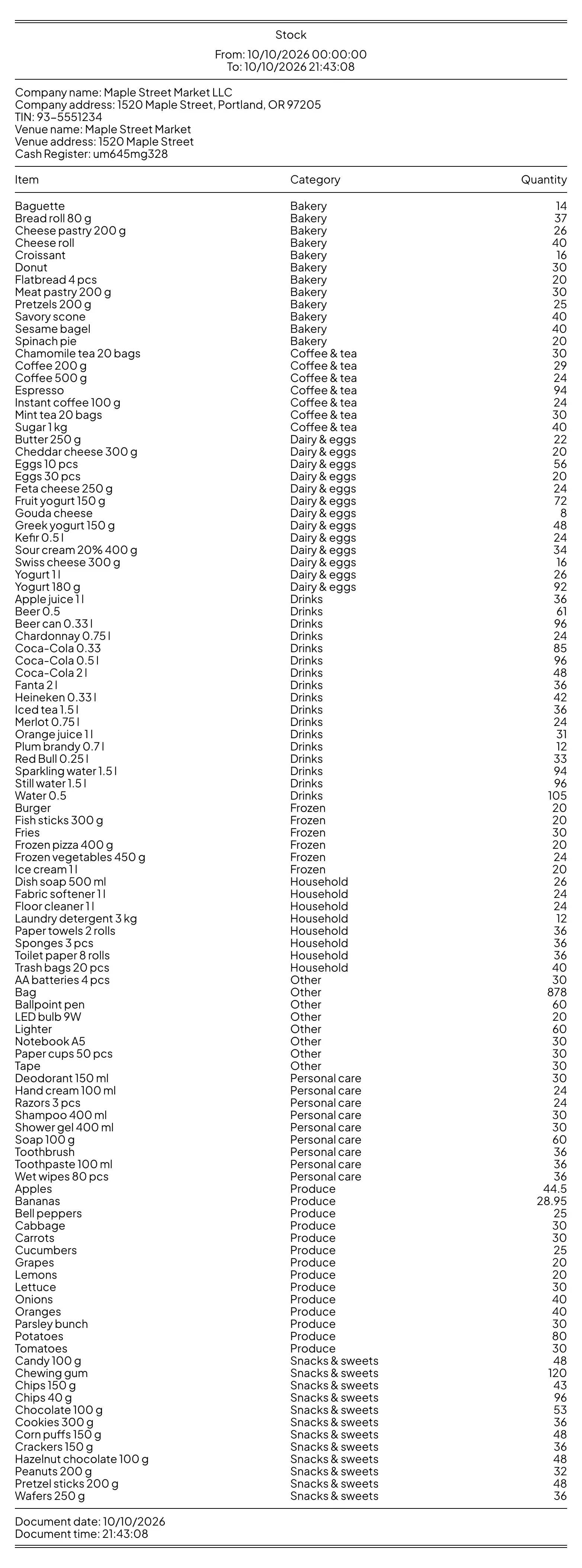
Stock